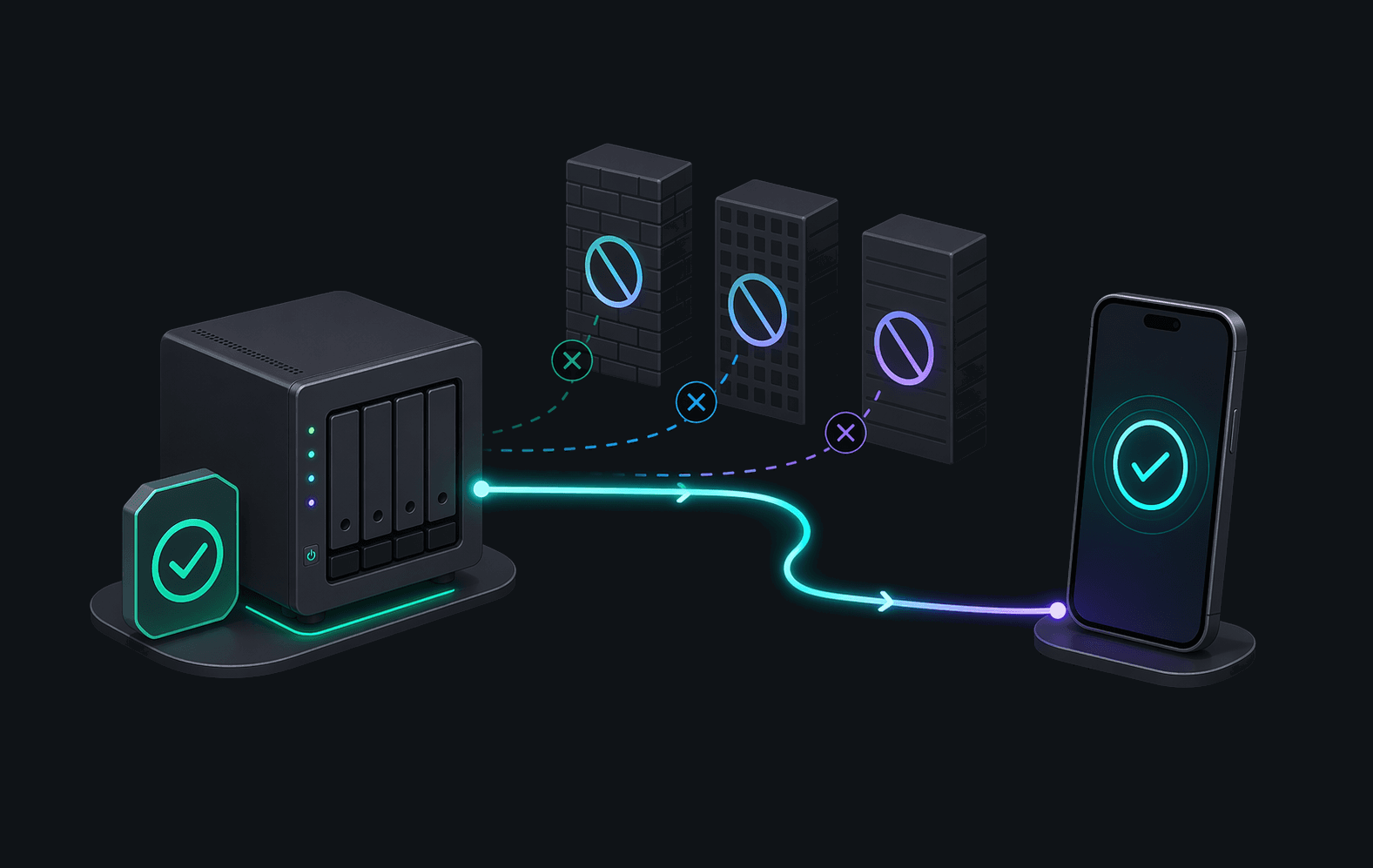
No port forwarding. No VPN. No firewall surgery.
Secure remote access with a lightweight companion. Torrento Connect pairs the Torrento Android app with a small runtime running on your server, NAS, or always-on machine so you can control qBittorrent, Transmission, and Deluge from anywhere without exposing them to the internet.
A simple, four-step process to bridge the gap between your devices.
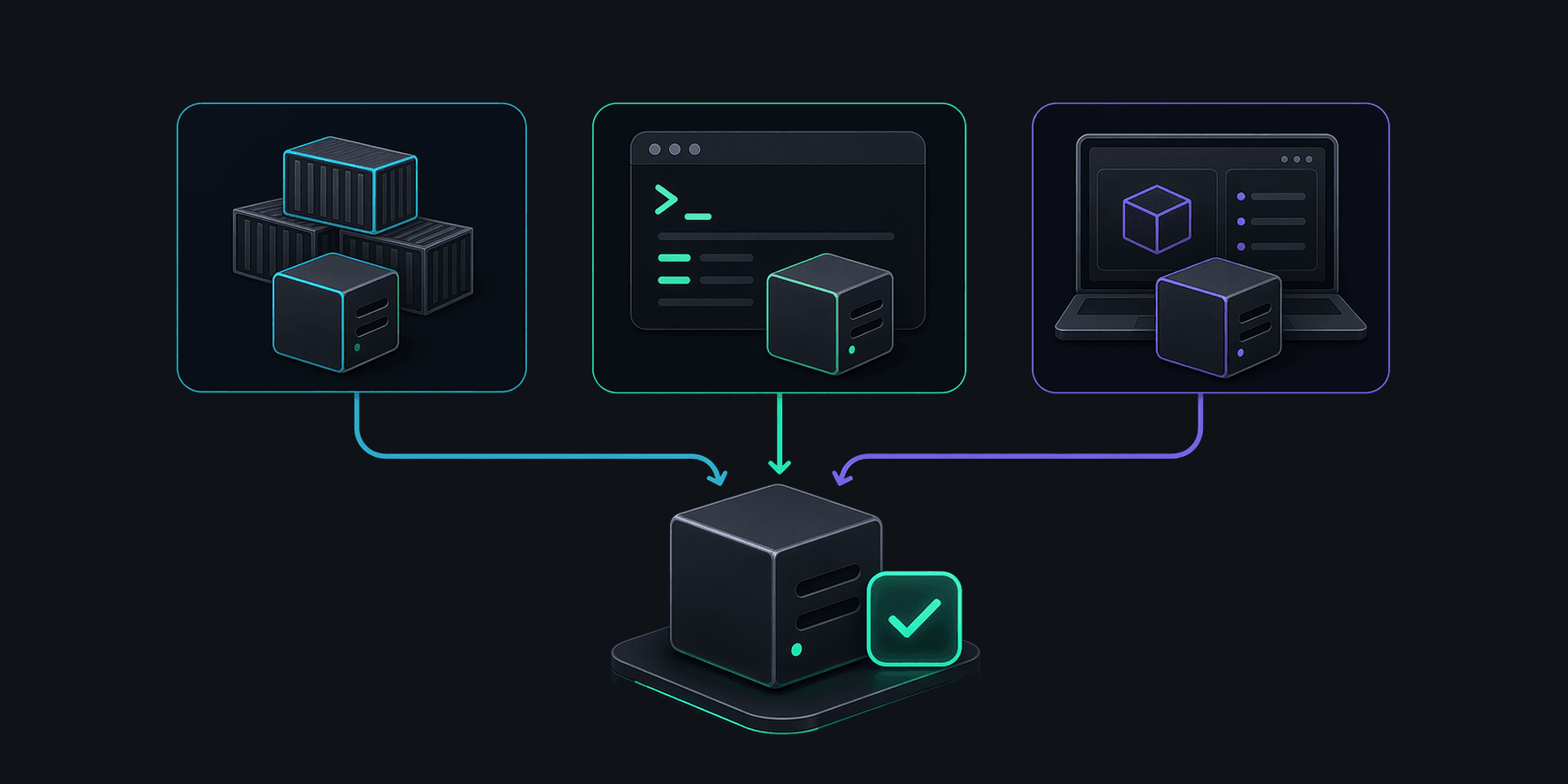
Run the lightweight companion on your NAS, server, or home PC using Docker or our one-line installer.
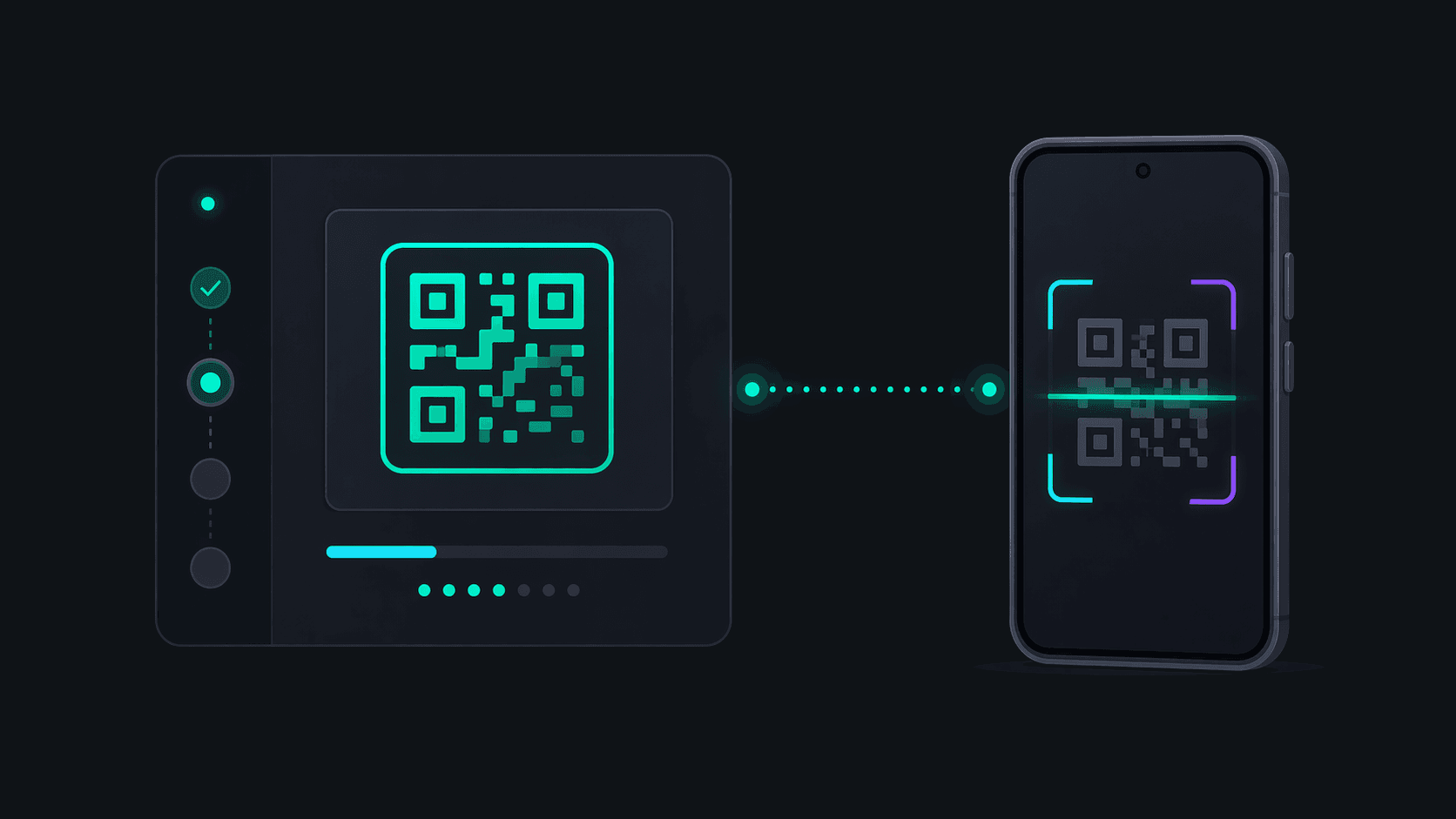
Open Torrento on Android and enter the pairing code shown by your companion. It’s that simple.
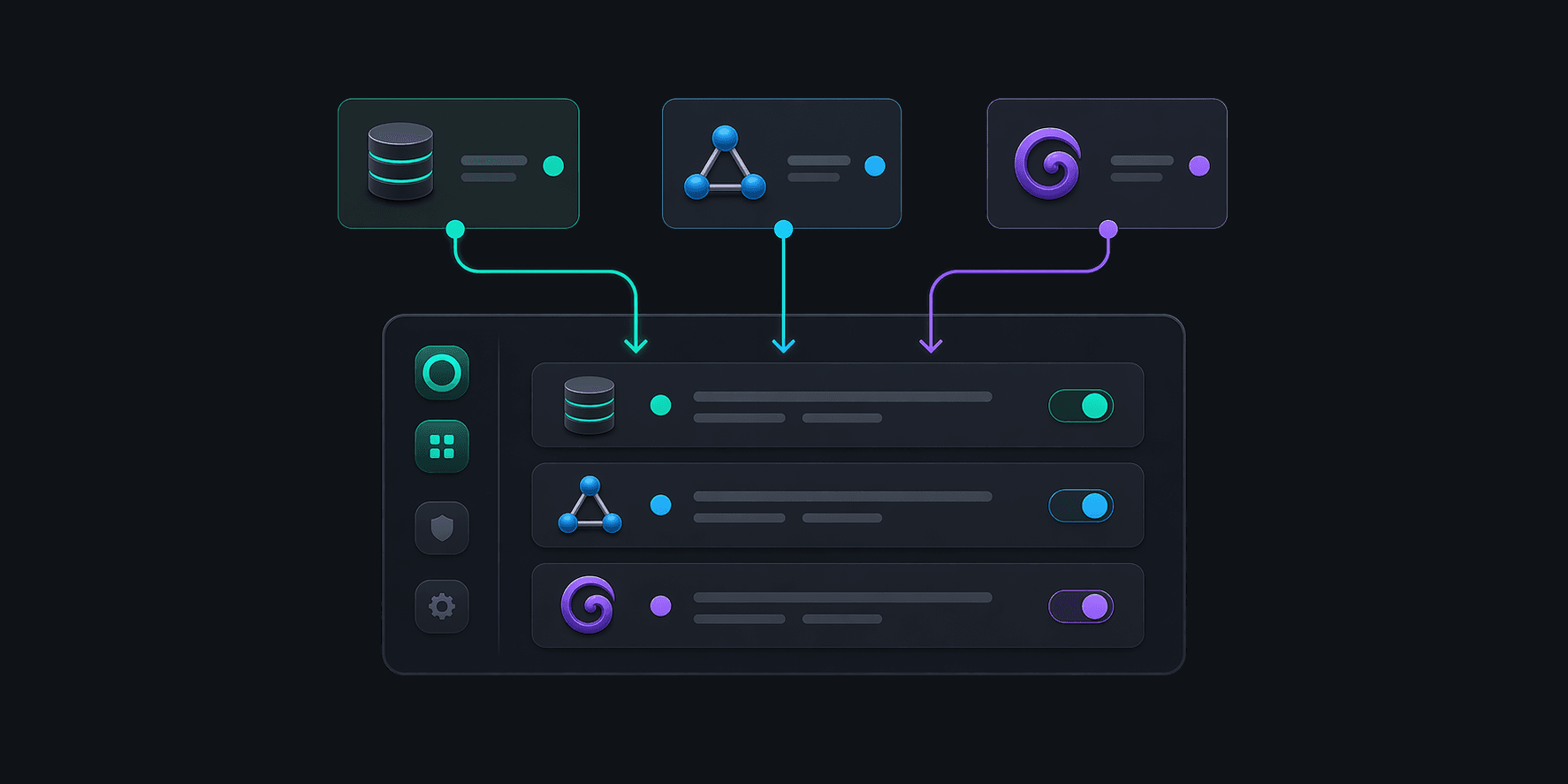
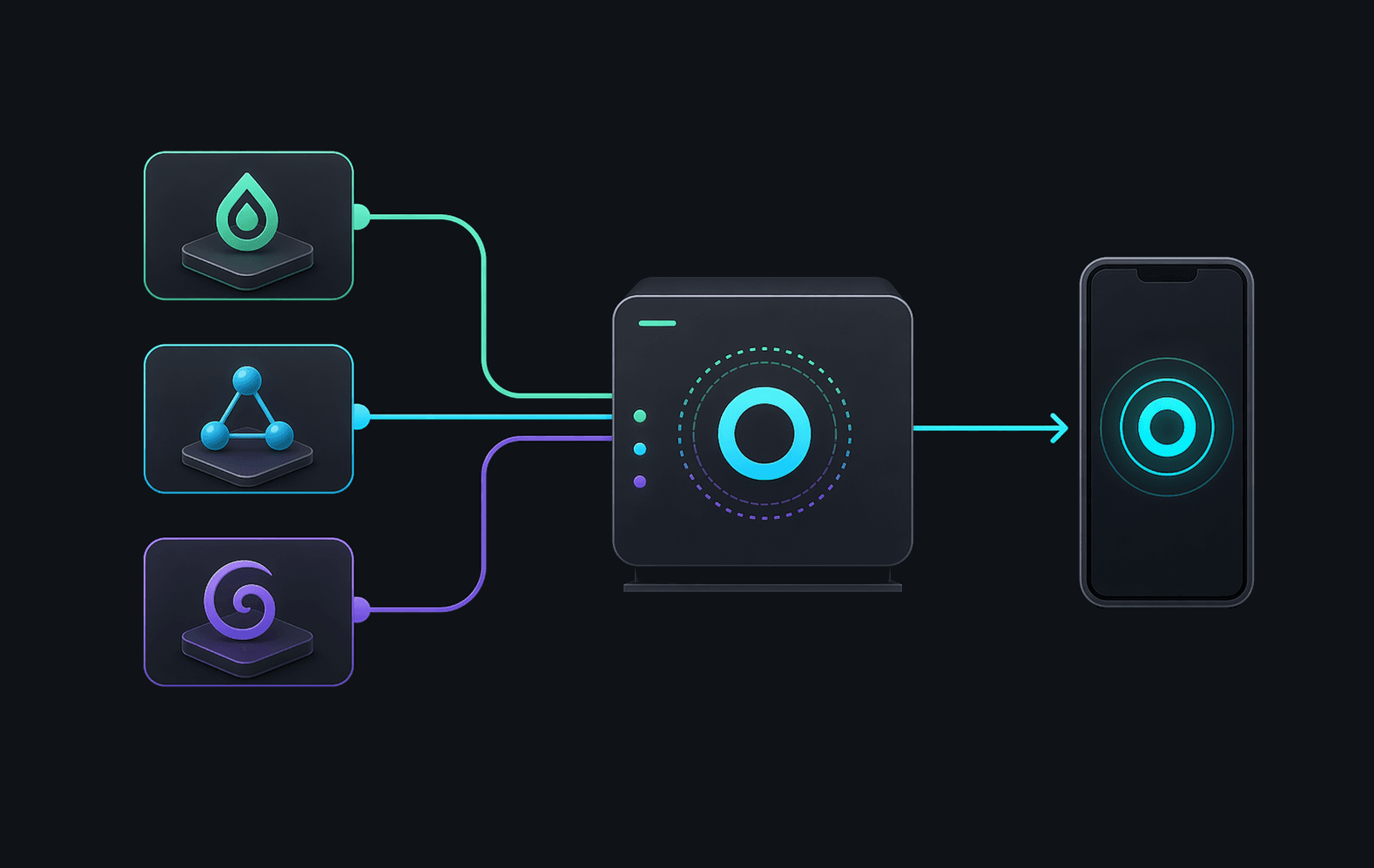
Connect your qBittorrent, Transmission, or Deluge instances to the companion with a few clicks.
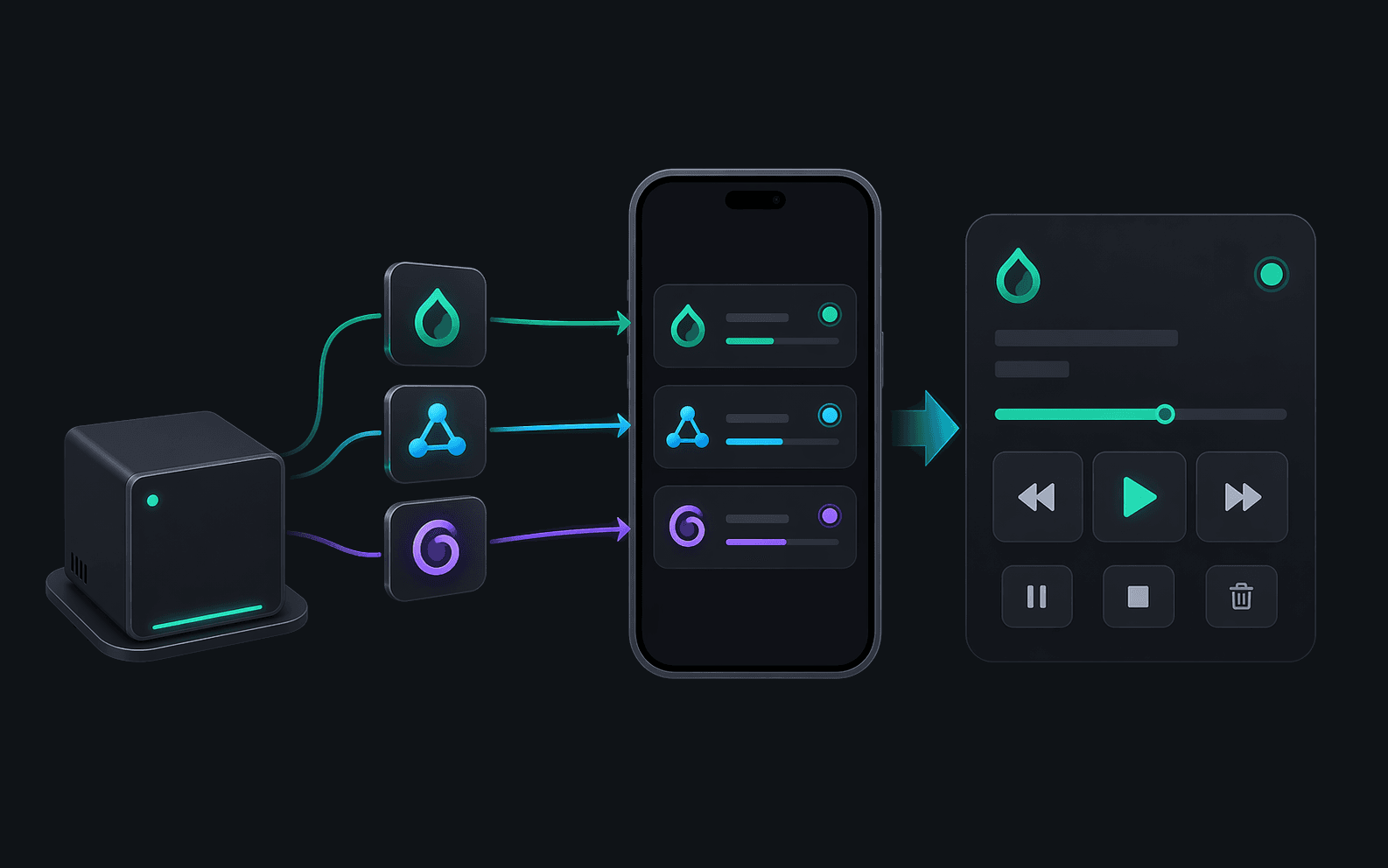
Browse, add, and manage your torrents from anywhere. Torrento handles the networking for you.
We handled the hard stuff so you can focus on your files.
Forget about port forwarding or Dynamic DNS. Our connectivity layer finds the best path automatically.
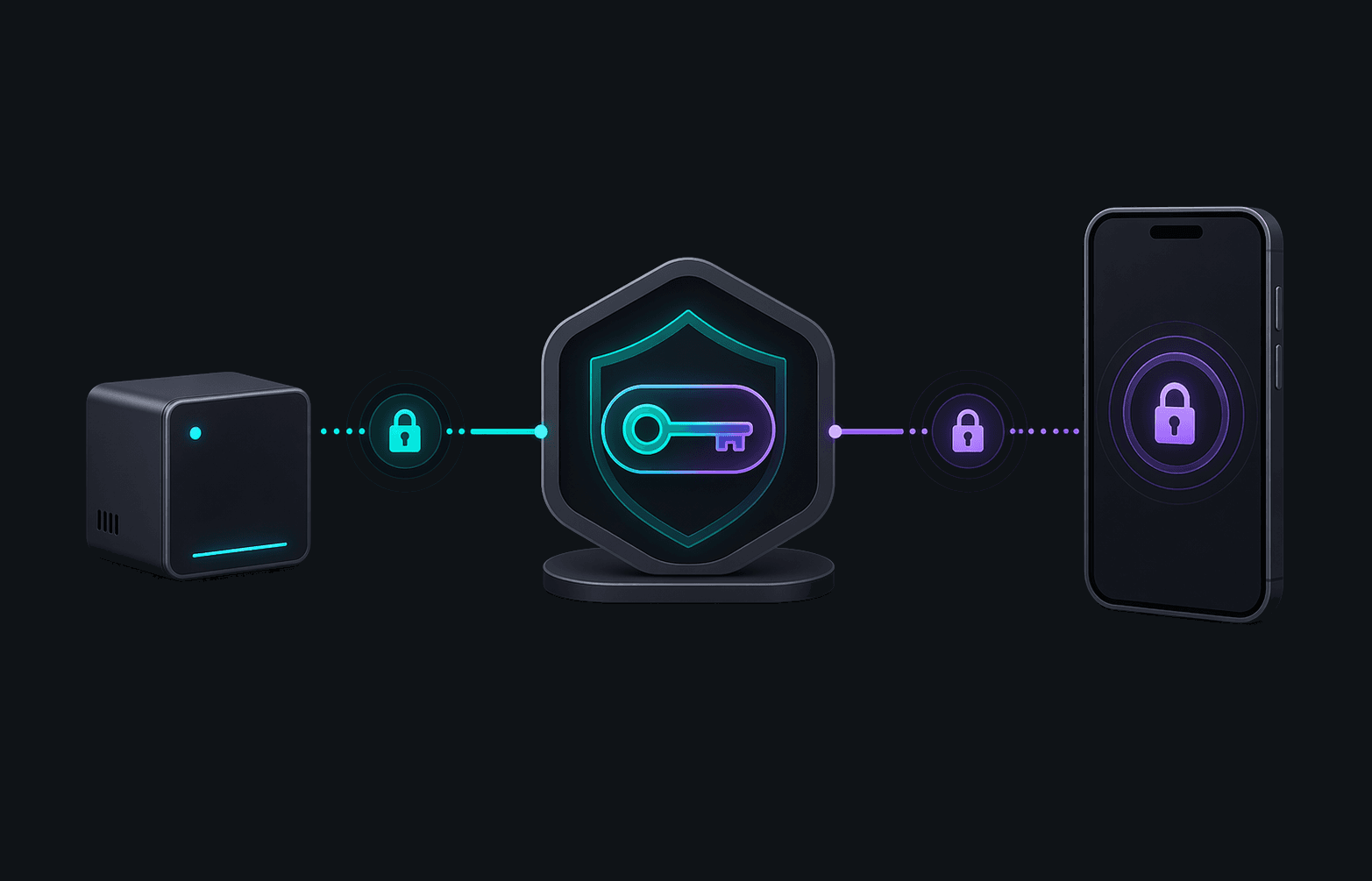
End-to-end X25519 encryption. Your keys are generated locally and never touch our servers.
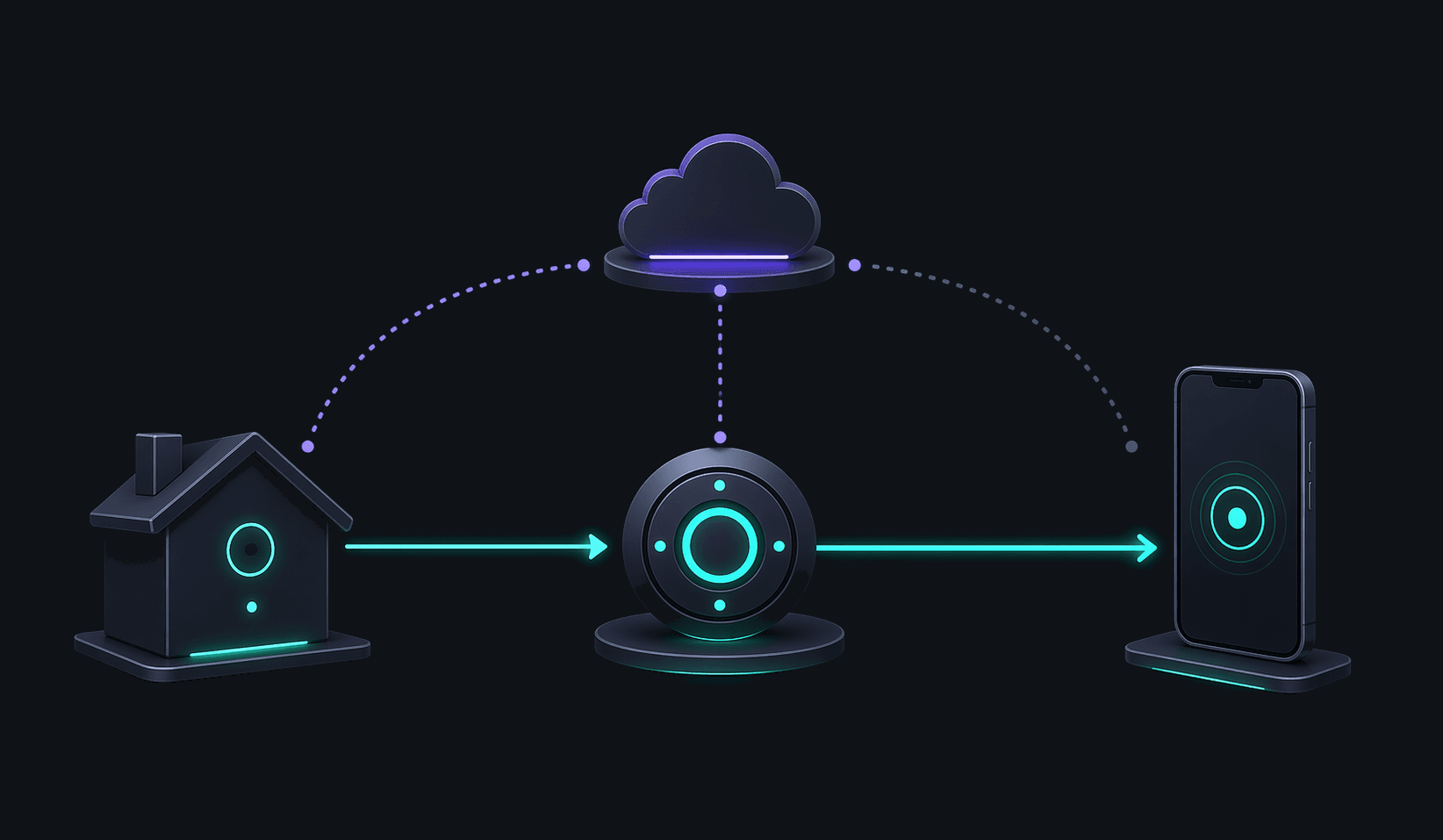
Connect stays local when you’re on home Wi-Fi and switches to a secure relay when you’re away.
Works seamlessly with your existing setup. No need to change how you use your torrent clients.
A companion for every environment, from headless servers to desktop PCs.
The core Torrento experience, now with remote orchestration built-in.
The gold standard for homelabs. Official image for amd64 and arm64.
A native binary with a one-line installer. Perfect for seedboxes and servers.
A native desktop experience with a system tray icon and easy installer.
Native Apple Silicon and Intel support with menu bar integration.
A full desktop interface for users who prefer a graphical environment.
Torrento Connect is a subscription-based service that funds the secure signaling and relay infrastructure required for remote access. The main app remains free for local use, and Remove Ads is still a one-time purchase.